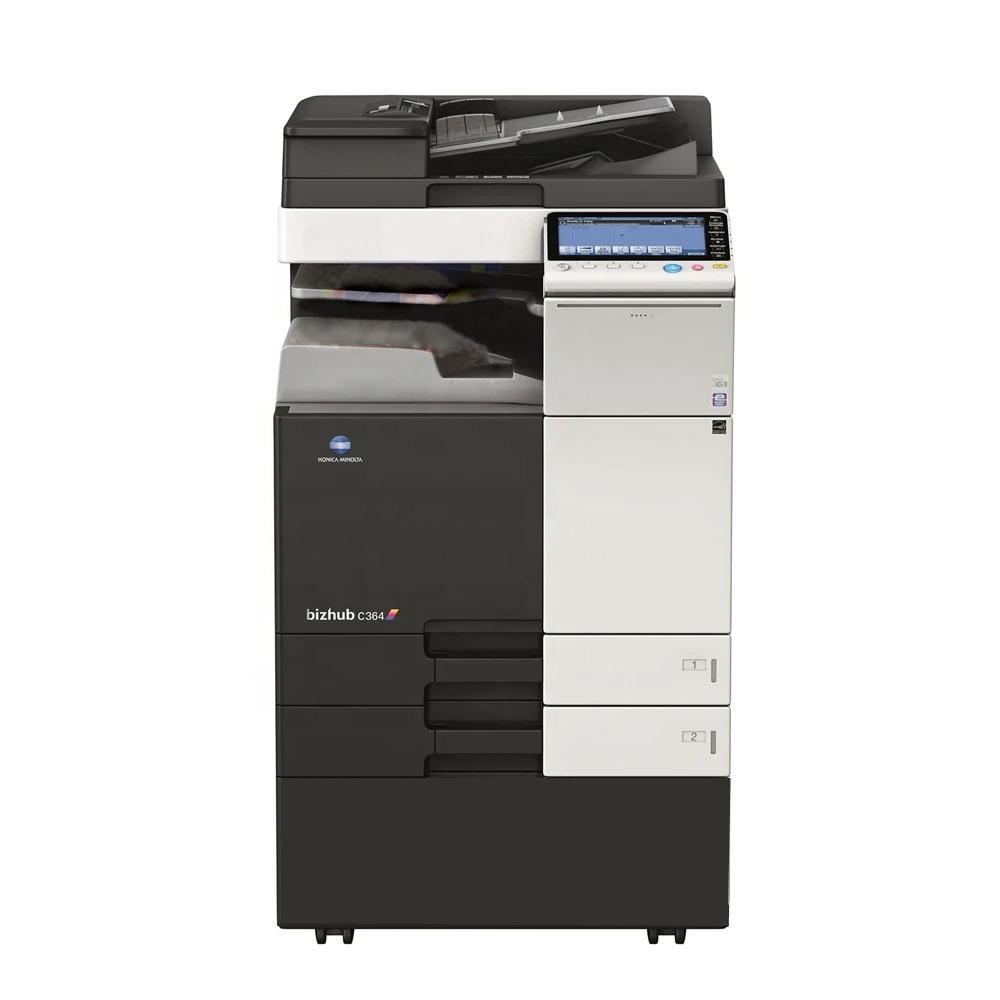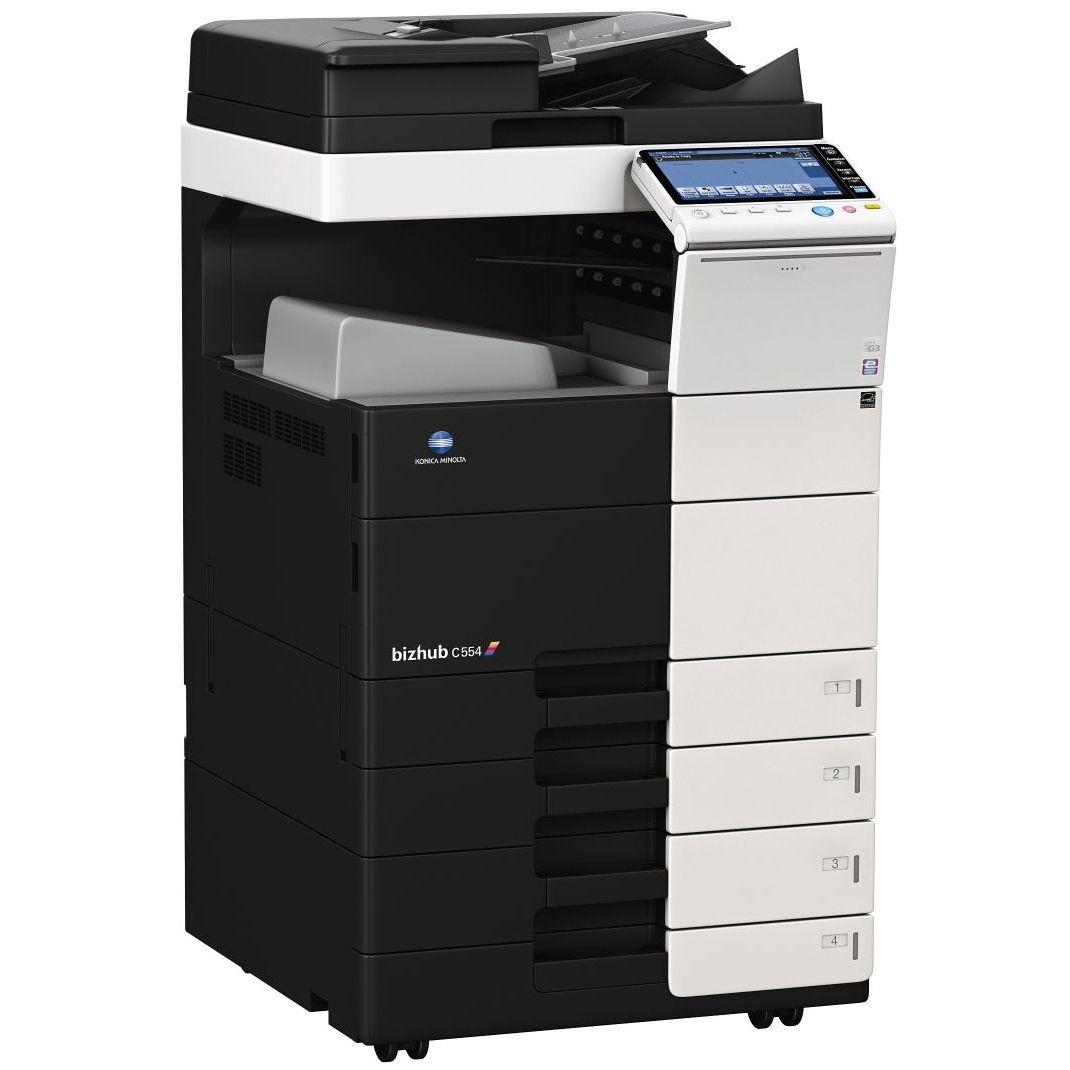

Functionalities of Konica Minolta Bizhub C287 Box Functions of Konica Minolta Bizhub C287 Auto Deletion: Automatically removes files from a user box after a set period. Box Function: Stores print, copy, scan, and fax jobs for easy retrieval; Online Access: Access files in user boxes via web browser or box operator utility. Personal, Group, and Public: Define access levels for different boxes. Sharing: Copy documents between user boxes. Copy Functions of Konica Minolta Bizhub C287 Blank Page Removal: Automatically deletes blank pages from mixed simplex and duplex documents. Card Shot: Prints both sides of an ID or passport on a single page. Custom Function Bar: Allows selection of up to 2 x 7 copy functions for quick access. Fax Functions: Fax Forwarding: Sends incoming faxes via email or SMB folder instead of printing. IP-Fax: Sends faxes over the network between Konica Minolta MFPs, supporting color and black & white. PC-Fax: Enables direct faxing from a PC. Shared Address Book: Shares the MFP’s internal address book with the PC fax client. Green Functions: Dynamic Eco Timer: Adjusts sleep mode timing based on working hours. ECO Meter: Tracks power consumption and other eco-related metrics. ECO Print: Keeps the touch screen panel off during printing from sleep mode. Print Functions: Carbon Copy Print: Prints a single page from multiple trays. Direct Print: Supports driverless printing of various file formats. Mobile Printing: Enables direct printing from mobile devices. MyTab: Customizes print driver settings. Smart Job Queue: Bypasses unprintable jobs in favor of subsequent ones. Scan Functions: Blank Page Removal: Automatically deletes blank pages Scan Annotation: Adds date/time or custom text to scans for archiving. Scan Preview: Provides a real-time preview of scanned originals. Scan Programs: Pre-sets original, scan file, and destination for regular scan jobs. Scan-to-Me/Home: Scans directly to an email address or SMB folder See more